

During every presentation there are moments when you do not really need the PowerPoint presentation you have made. You have to tell some background information or a question is asked that deviates from your story.
If you leave the presentation on the screen, the focus on your explanation can disappear. After all, what you say and what you show have nothing to do with each other. Your audience is given the choice to keep looking at the slide or to listen to your explanation.
PowerPoint has found a nice solution for this.
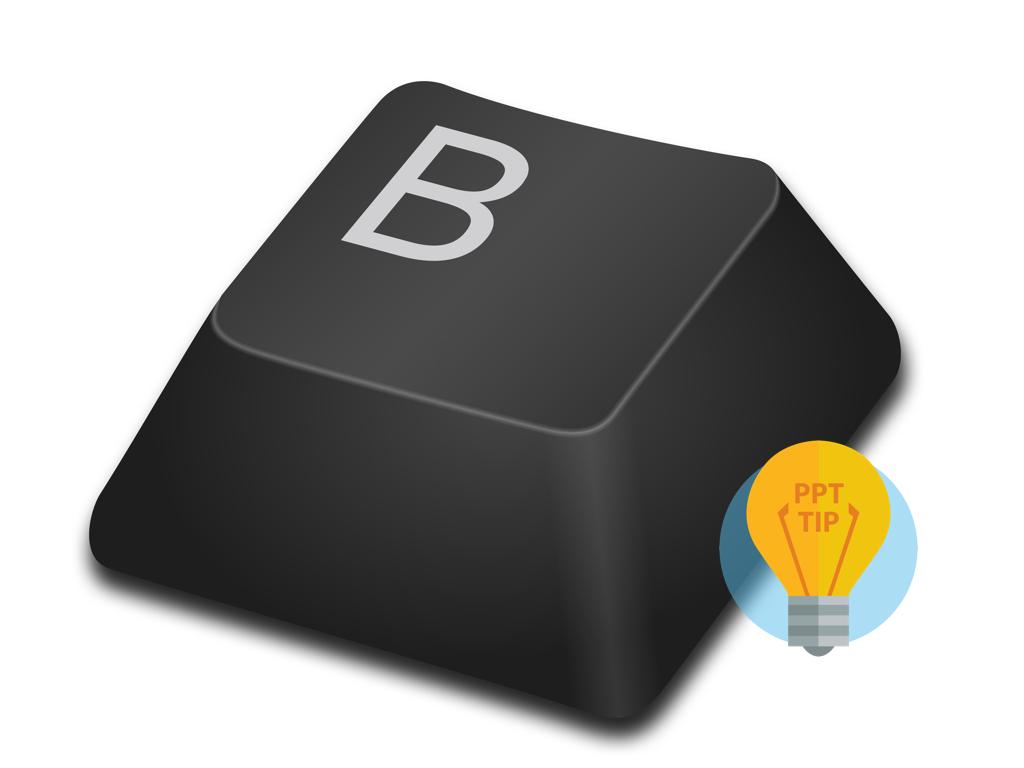
By pressing the 'B' key (or in some versions the ';' key), a black screen appears. By pressing the same key again, the presentation reappears. The 'W' key (or in some versions the ',' key) is a variant and gives a white screen. The advantage of a white screen is that it gives light in the room where you are presenting.
As a specialist in PowerPoint design, we regularly give you handy tips to apply PowerPoint better and make your presentations go more smoothly.
Harald DumoulinStoryteller SmartPresentations Sales presentation - Company presentation - Keynote Presentation - Company presentation
.jpg)
.png)